Brand
Good Morning
Here is our logo. Here are our colors and our type. Here is how we write for Good Morning.
Overview
What Good Morning is, in the words we already use.
One message a day to the one you love most. It lands when they wake up.
The app
An app for iPhone and Android. Two people connect by username. Each day, both get the same three prompts. One is about the two of you. One is about saying thanks. One is about your partner. Or write your own. You send one message a day. It lands at 7 AM, 4 PM, a surprise time, or a time you pick. It is always in the time zone of the one who gets it.
Streaks count the days you both show up. Rainy Day Notes are written ahead and sent for you on a day you miss. First 10 messages are free, then $4.99/month or $29.99/year per couple.
The website
Our site is goodmorningnotes.app. It tells you what the app is and what it costs. It says how we keep things private. It says which stores have it. Its public pages use the same colors and words as the app.
Made by GM Labs LLC. We made Good Morning for us. We use it every morning.
The name
- Good Morning. Two words. A big G and a big M. Write it this way in every line. Not GoodMorning, not Good morning, not GM.
- good morning ♥️ is all small letters, with the heart. It is the wordmark inside the app, on the home screen only.
- Good Morning: Couples Notes is the App Store name we aim for. It uses the same brand of two words.
- GM Labs is the company. It shows up in the footer and on legal pages. It is never in the words about the app.
Logo
A paper plane, drawn in one continuous line. It is the app icon, the favicon, the splash, the Compose tab, and the plane that flies when a message is sent.

App icon
Cream plane on a coral tile. iOS rounds the corners itself, so the file is a full square.
Favicon
Same tile, radius drawn in, because a browser masks nothing.
Mark on cream
The plane alone in coral, for a surface that is already ours.
Inverted
Coral plane on cream. The splash screen.
Do
- Use the mark just as it is drawn. It has three strokes. The keel stays open.
- Use cream on coral, coral on cream, or ink on cream. Do not use any other mix.
- Put the name next to it in Plus Jakarta Sans Bold. The plane goes on the left. The gap is half as tall as the plane.
- Leave clear space all round it. It should be at least one fourth of its width.
- Smallest size: 16px. Below that use the tile without the plane.
Don't
- Fill the plane, thicken the stroke, or close the keel.
- Add a shadow or a glow. Add a color fade or one more color.
- Rotate it. It points up and to the right, always.
- Put a heart, a sun or a sunrise anywhere near it. The plane is the whole idea.
- Draw it again by hand. Each copy is made by code from one file.

If you write code: the source is marketing/icon/mark.svg in the app repo. Each icon is drawn from it by marketing/icon/generate.py, and a check fails the build if any copy drifts. Do not edit a PNG.
Color
Cream backgrounds, ink text, and coral actions. Use the same palette across the app and website.
coralFor main buttons and the tab you are on. For the icon tile. For the key word in a headline.
creamIt goes behind it all. A whole screen is never pure white.
textPrimaryMain text and headlines. A warm, dark brown. Never #000.
textSecondaryText that is not the main text. Small lines, labels, and the prompt on top of an answer.
textMutedFaint text: dates, hint text, footnotes.
cardCards sitting on cream. The only place white appears.
coralLightPale coral: progress, soft highlights.
goldStreaks and warmth. Not too much.
roseHearts, and the motion when a message comes in.
duskThe sky before 7 AM, from the lock screen picture. An accent for dark bands on the site, ads and store art. Not in the app yet.
roseLightUse it for the cards of messages you get. Use it for topic pills too.
sentSent message cards.
successSuccess states only.
borderHairlines and card edges.
errorOnly for errors. Use it on the text or icon. Never fill a block with it.
Rules
- Cream is the ground. Cards are white. Nothing else is white.
- Coral is for the one thing you want them to touch. Two coral buttons on a screen is one too many.
- Text is ink or cocoa. Never black, never grey.
- Blush is for what they sent you; peach is for what you sent them. Keep the sides consistent.
- Use a color fade only on an ad caption. It goes from cream to peach to coral.
- Error is a color for words. It is not for boxes. No part of this app should look scary.
- Dusk is the night sky before the message lands. Use it for one dark band or one big picture. Never use it for text or buttons.
Where the code stands
Since 3 Sep, the site's style file uses these same values (app/globals.cssmaps them to the site's token names). The app reads them from expo/constants/colors.ts. One thing is still off. The Android push color in app.json is #FF7A6B; it should be coral. It moves in the next native build. If a token here and a token in code do not match, change the code.
Typography
Plus Jakarta Sans everywhere we typeset ourselves. Inside the app, the phone's own font, so the app feels native and honors the reader's text size.
The font we use is Plus Jakarta Sans
Wake up to love.
Before the emails. Before the news. Just them.
You took the insurance call so I did not have to.
700 · Bold · headlines, buttons, the name
You took the insurance call so I did not have to.
600 · Semibold · labels, section titles
You took the insurance call so I did not have to.
500 · Medium · a message body
You took the insurance call so I did not have to.
400 · Regular · sub-captions, running text
Where each font lives
- The site, the store pictures, Play art, and the OG card:Plus Jakarta Sans, weights 400 to 700. It is a Google Font; load exactly those four weights.
- Inside the app: the phone's own font (SF Pro on iOS, Roboto on Android). We never put our own font in the app. Dynamic Type must work. A message from your partner should look like a message. It should not look like a poster.
Rules
- Use sentence case for all of it: headlines, buttons, and screen titles. Do not use Title Case.
- Each headline has one key word, in coral. Keep that word straight up. Do not slant it. Do not draw a line under it.
- Headlines are tight: tracking of minus 0.02em, line height 1.08. Body text is loose: line height 1.5.
- Use all caps only for tiny tags, like RAINY DAY NOTE. Make them 11 to 12px. Put a bit of space between the letters.
- Numbers as digits. Times as “7 AM their time”, with the space.
- When we show a message that someone wrote, we put it in quotes. We make it bigger than the prompt it answers. We do this every time.
Copy
Write plainly about what to do, what happens next, and when a message arrives. Use everyday details and describe outcomes accurately.
How we sound
- Keep steps clear. “Pick a prompt or write your own message.”
- Concrete over abstract. Laundry, the insurance call, chargers, pancakes. Say real things like that. If any app could say the line, write it again.
- Use plain words. Write the way you talk to someone you know. The couple brings the closeness.
- Honest when it goes wrong. Each error says what went wrong, what is still true, and what to do. “Not sent. Your message is still here.”
- Plain about money. “First 10 messages free. Then $4.99 a month or $29.99 a year per couple. Stop any time.”
- “We” means us. Two people made this. Never say “our team”. Never say “your request has been received”.
Words
Use
message · partner · connect · streak · Couple Streak · prompt · sample · Ranks · Rainy Day Note · lands / arrives · their time · edit · unsend · say it your way
Never
“note” for the daily message · affirmation · users · our team · journey · experience · unlock your… · premium as an adjective · Oops · Awesome · significant other
Use the right feature name: a message is what you write today. They get it the next morning. A note is a Rainy Day Note. You write it ahead. We hold it. We send it only on a day you miss. A first letter is a message you write before your partner connects. It waits until they join.
Show “Saved,” “Sent,” “Connected,” or “Deleted” only once it has worked. If it fails, say what is still saved or still set to send. Say what to do next. The push when a message lands shows the prompt. It never shows the private message.
The one-liner
One message a day to the one you love most. It lands when they wake up.
The short blurb
Use it for a bio, a list of apps, a press blurb, or an “about” box. It is under 60 words.
Good Morning is an app for two people. You and your partner each write one message a day, from one of three fresh prompts or in your own words, and it lands on their phone the next morning in their timezone. No feed, no likes, nobody else. First 10 messages free, then $4.99/month or $29.99/year per couple.
App Store listing
The listing text we keep in this repo. Check it against the store page before each release.
Good Morning: Couples Notes
Good Morning was made by a couple. We think small acts each day keep love alive. A simple "thinking of you" can change a whole day. We wanted to make it easy to show up for the one you love most.

We made it for us first. We use it every morning. Now we share it with other couples.

Good Morning gives you and your partner the same three prompts each day. Pick the one that fits. Write a few true lines. Your message lands on their phone at the time you choose. It comes in their time zone, wherever they are.

No feeds, no likes, no noise. Just one message a day, to one person.

WHY COUPLES LOVE IT
• Three prompts a day. One is about you two. One is about small things you are glad they do. One is about what you love in them
• You and your partner get the same three. So you can both answer the same thing
• Or skip all three and say it your way. A blank message is always there
• Sample answers show what a good message looks like. You never have to stare at a blank screen
• One message a day. It stays special because it's rare
• It lands on their clock. Pick 7 AM or 4 PM. Pick a surprise time from 8 AM to 8 PM. Or pick your own time. It is always their time zone, wherever they wake up
• Changed your mind? You can edit or unsend it up to midnight on the day you write it
• Rainy Day Notes: write one ahead of time. We send it for you on a day you miss
• Build a streak as a pair. Watch the small messages pile up
• Climb the streak ranks if you like to win. Or stay off the board. It is up to you

HOW IT WORKS
1. Pick a username. Your partner sees it. The name they call you works better than your real one
2. Choose when your messages land. Pick 7 AM or 4 PM. Pick a surprise time from 8 AM to 8 PM. Or pick your own time
3. Connect by their username, or send them a link with one tap. Or start on your own and add them later

Your first 10 messages are free. Then Good Morning is a monthly subscription. It renews on its own. You can stop it any time in your App Store settings.

Good Morning is for new couples and old souls. It is for all who want to love a bit more on purpose.

Start tomorrow when you wake. Say the thing.

Terms of Use:
https://goodmorningnotes.app/terms
Privacy Policy:
https://goodmorningnotes.app/privacy
App Store screenshots
Code in the app repo makes all seven panels. When the app changes, update that code and the screen grabs it reads. Then make the pictures again.
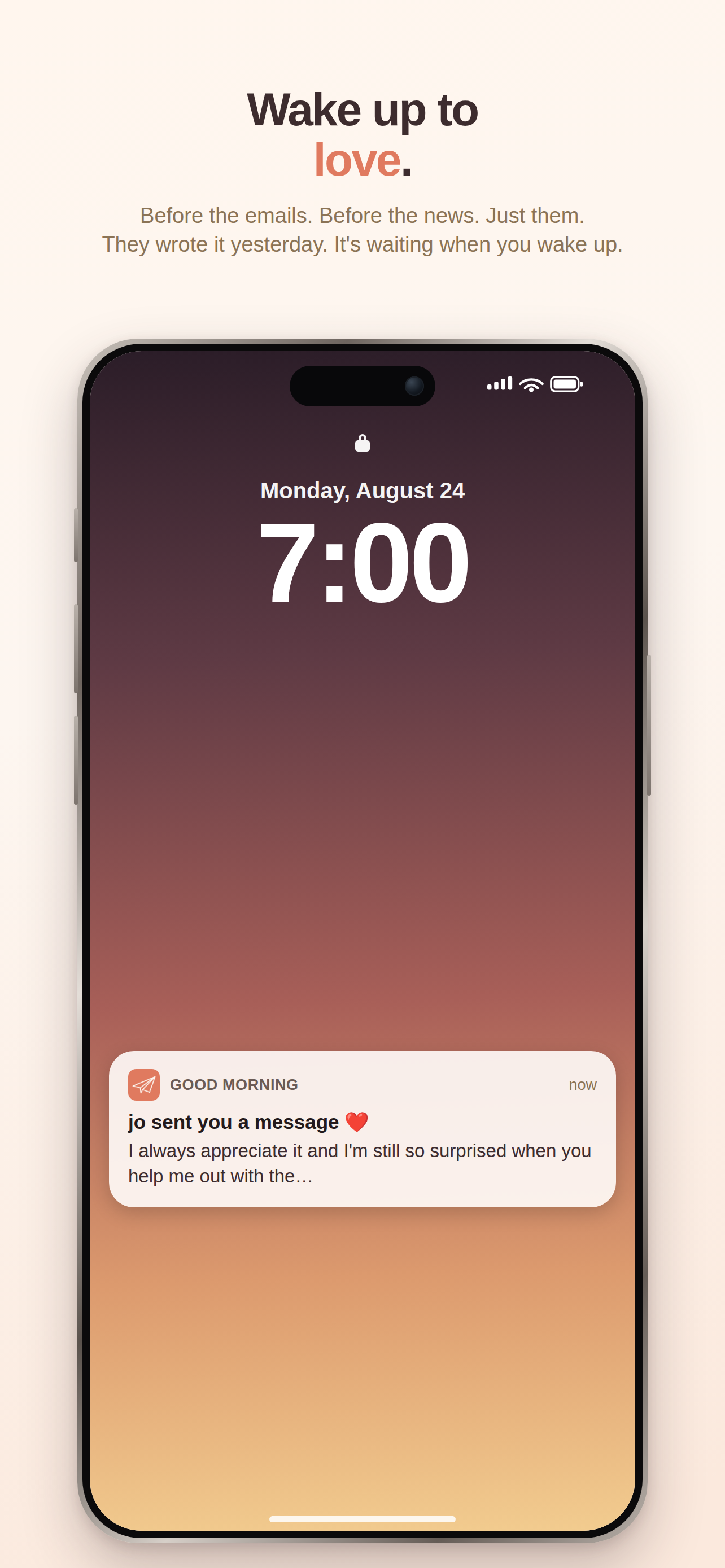
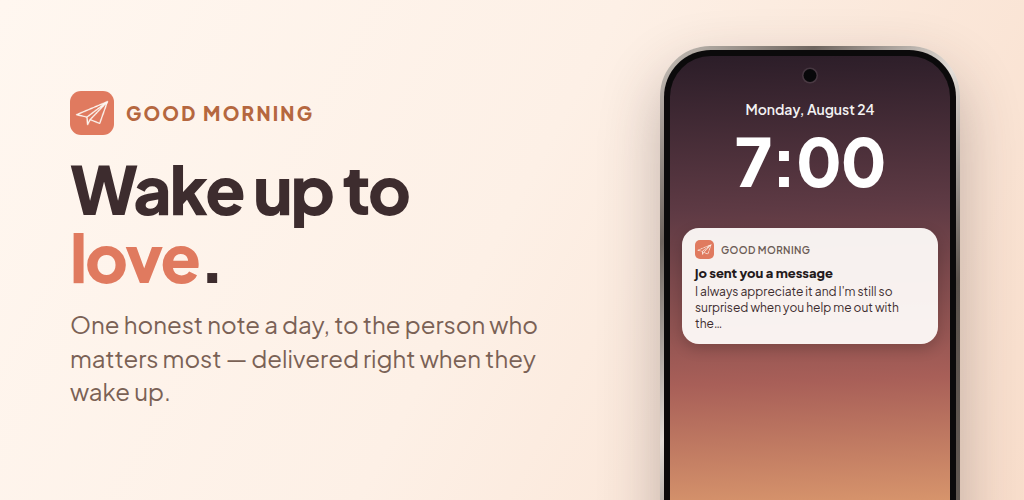
Wake up to love.
Before the emails. Before the news. Just them.
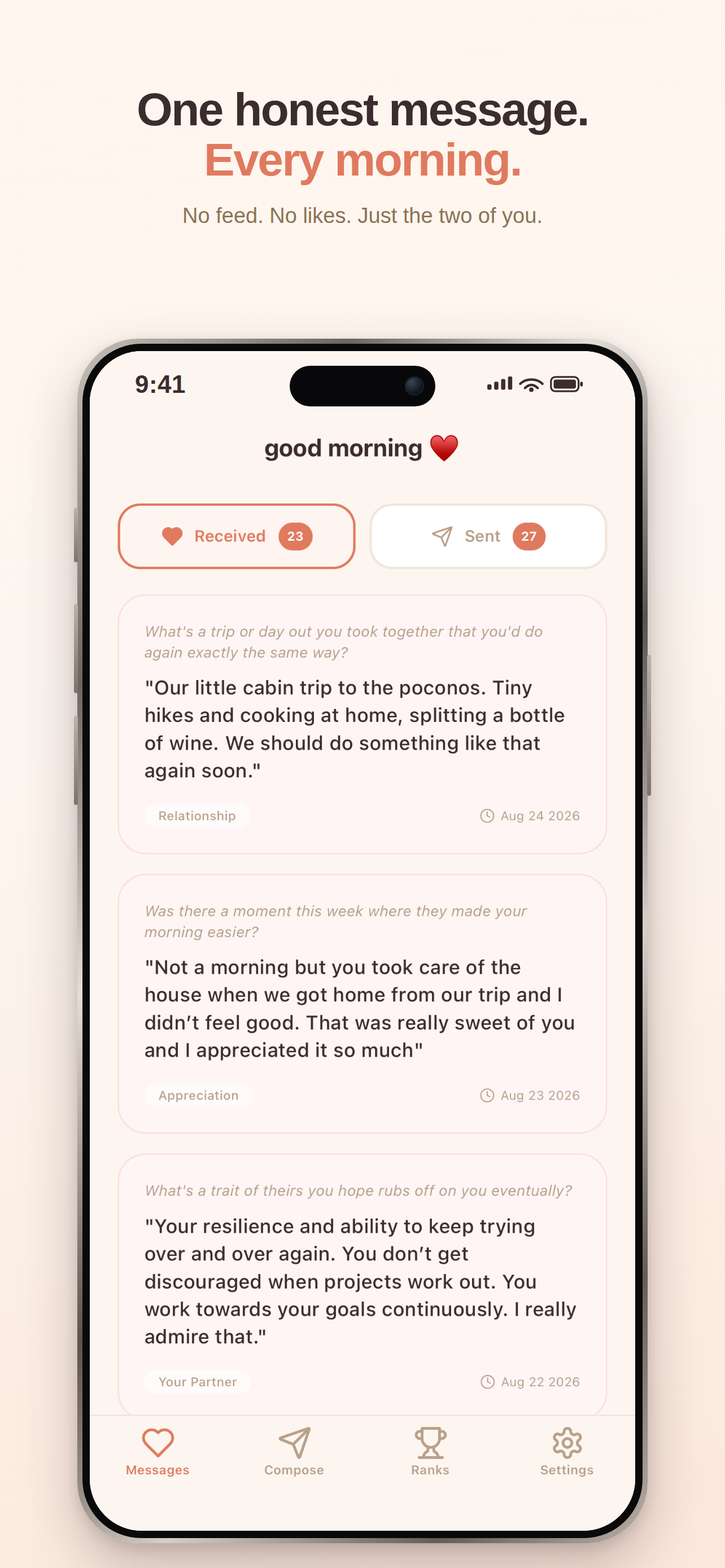
One honest message. Every morning.
No feed. No likes. Just the two of you.
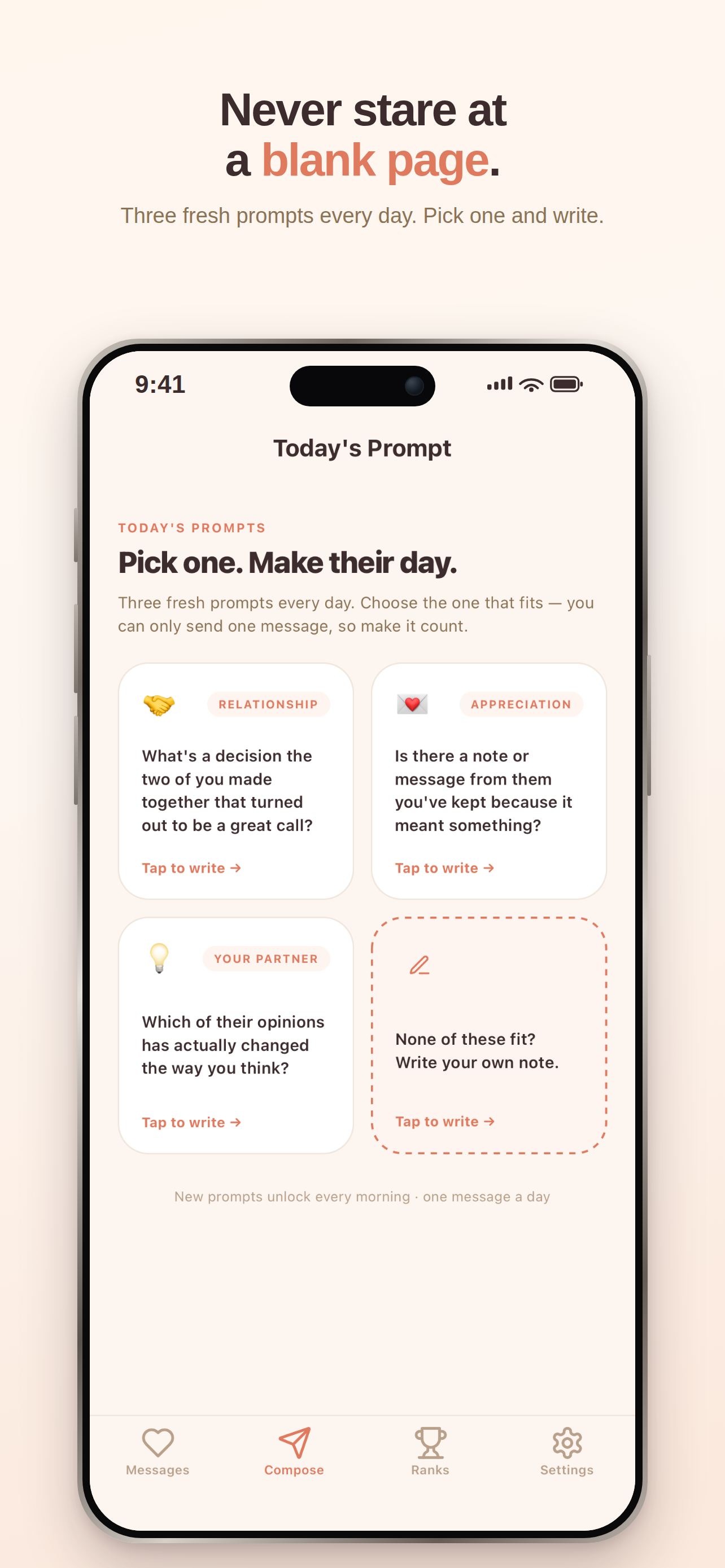
Never stare at a blank page.
Three fresh prompts every day. Pick one and write.
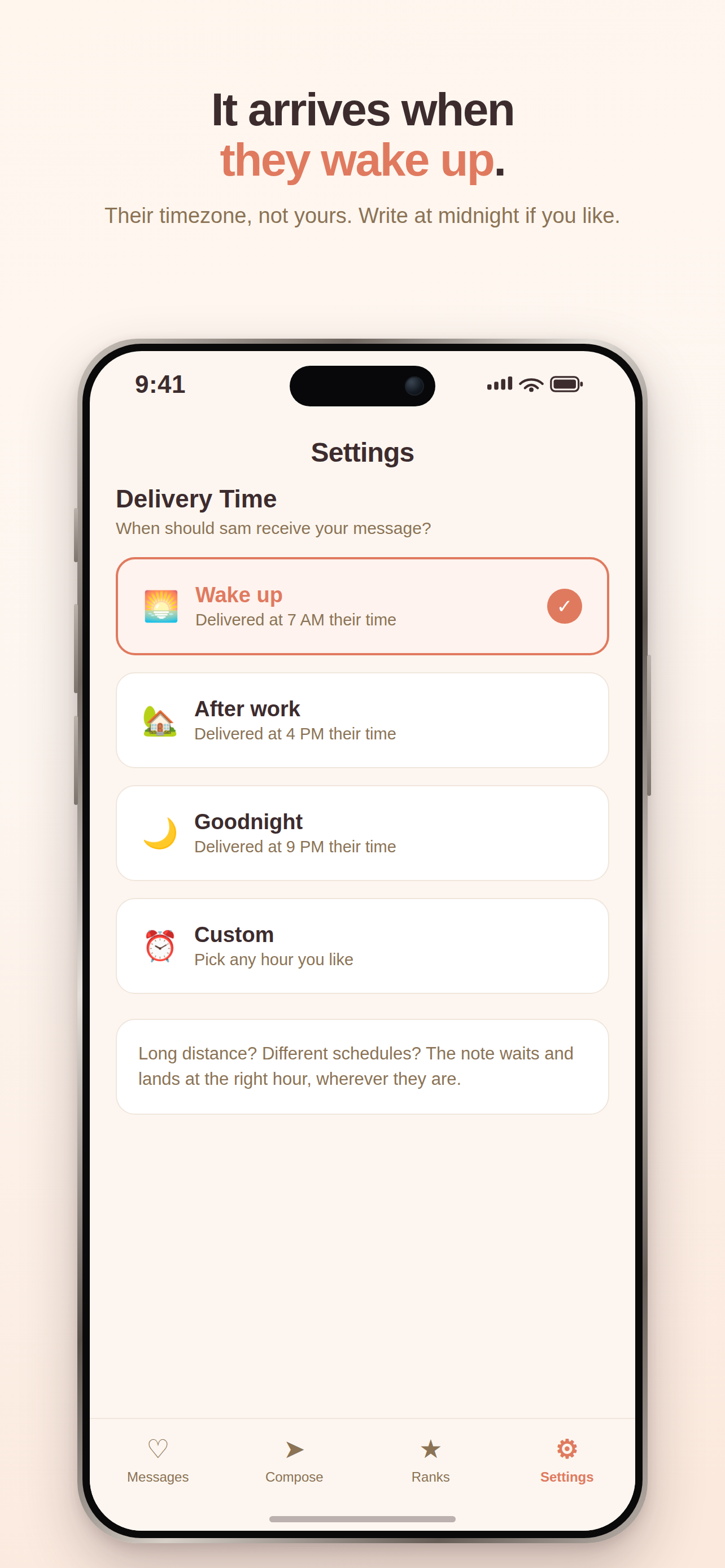
It arrives when they wake up.
Their timezone, not yours. Write at midnight if you like.
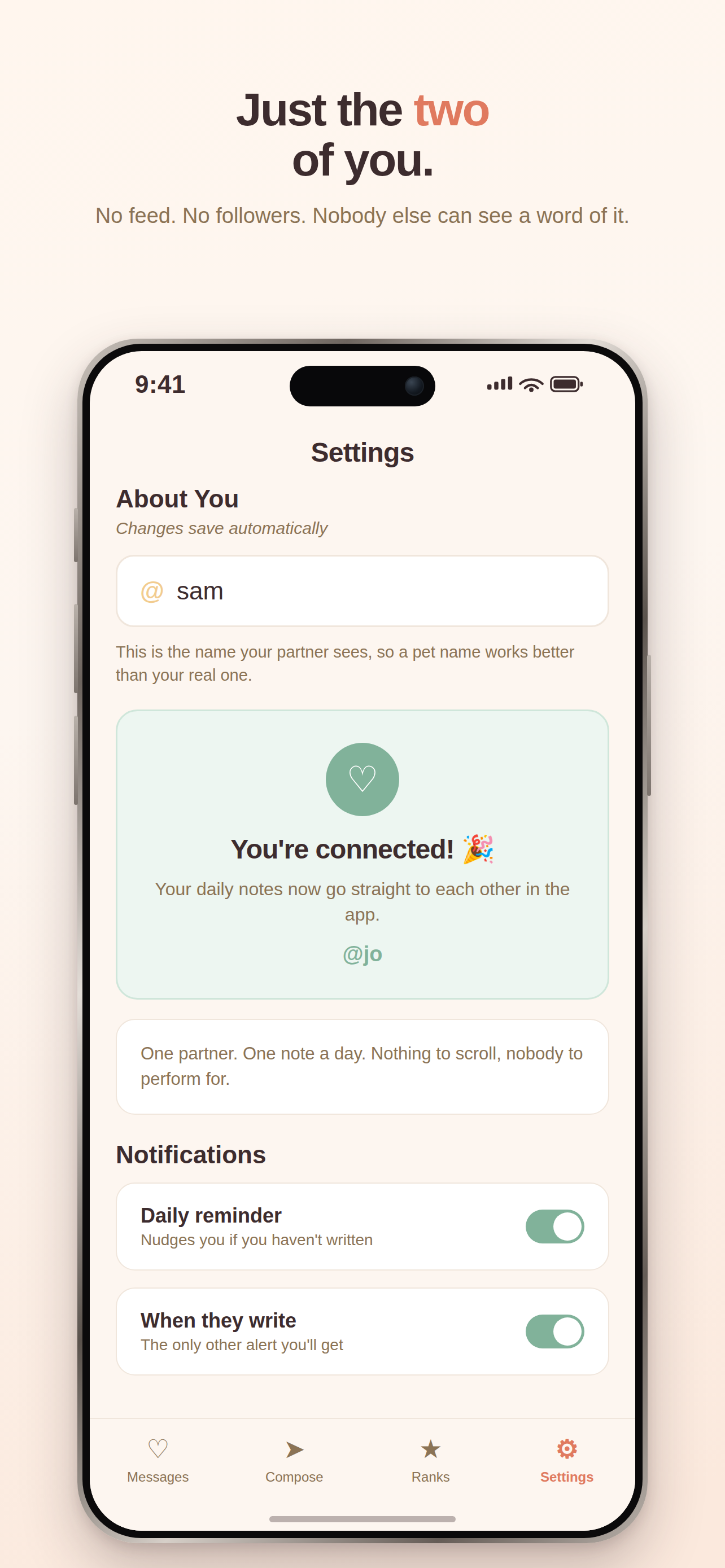
Just the two.
No feed. No followers. Nobody else can see a word of it.
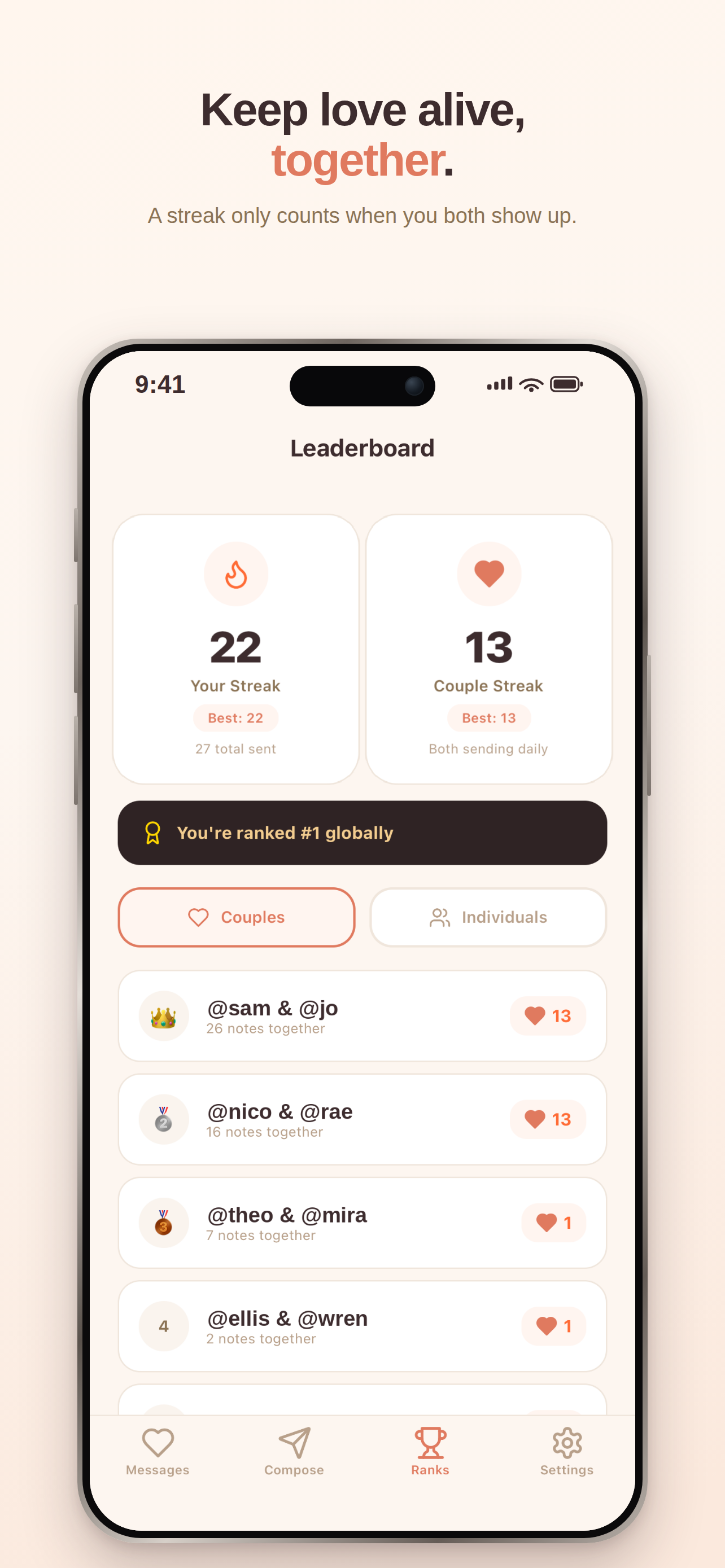
Keep love alive, together.
A streak only counts when you both show up.
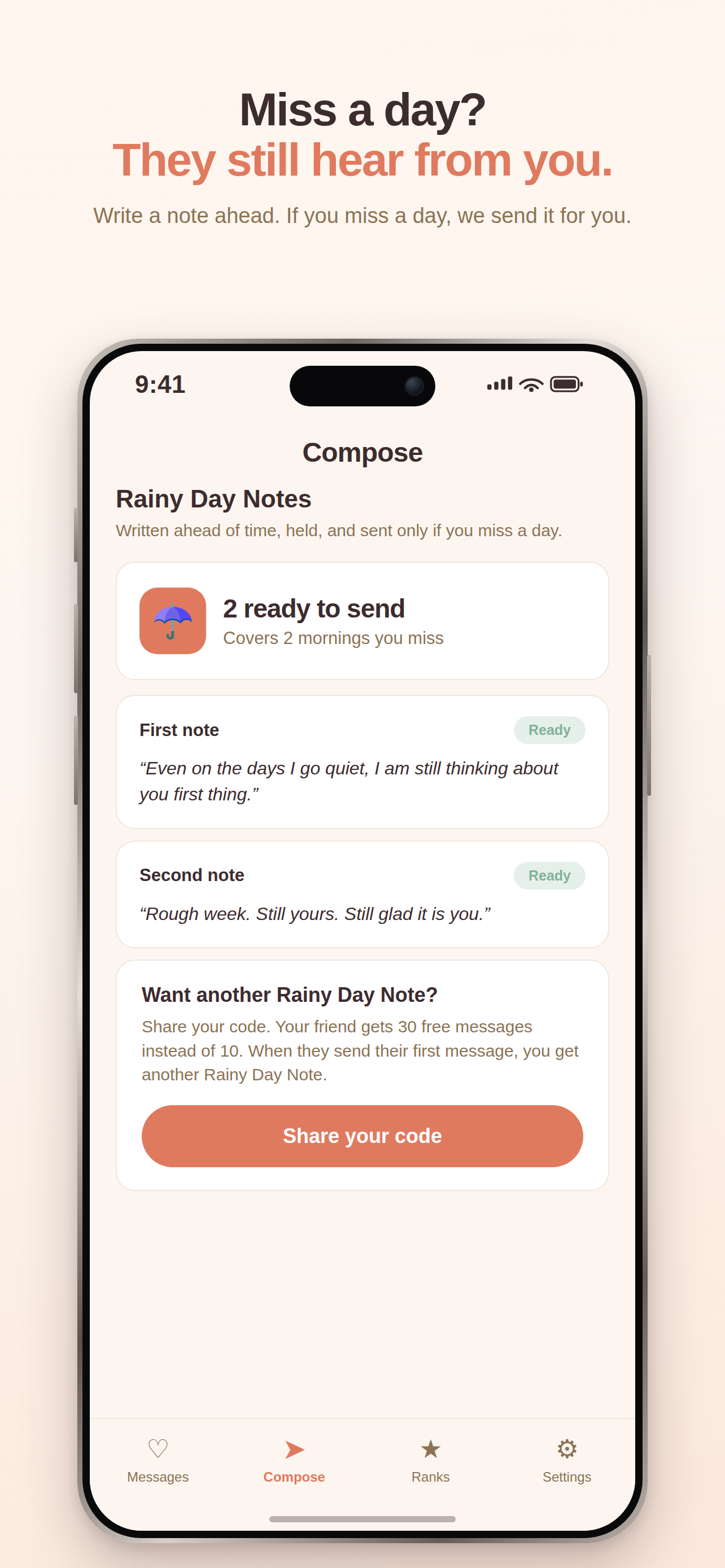
Miss a day? They still hear from you.
Write a note ahead. If you miss a day, we send it for you.
Push notifications
We send three kinds. This is all of them. The title names the person and what happened. It has one emoji at the end. The body is the message itself, or one line.
jo sent you a message ❤️
nowWhat did they do this week that you have not thanked them for yet?
Keep your 12-day streak alive 🔥
nowYou haven't sent sam a message yet today. There's still time.
🎉 You're connected!
now@jo accepted your request. Send them your first message!
The invite
What the app puts in a text when you invite your partner.
Good morning 💛 I started using the Good Morning app to send you a little message every day. Download it and add me (@sam) so we can connect: https://goodmorningnotes.app/i/sam
Before you ship a sentence
- Does it say message for the daily thing, and note only for a Rainy Day Note?
- Could it only be about one real morning? If any app could say it, name a real thing.
- One idea per sentence. Would a full stop beat the comma?
- Does it say a thing happened before we know it did?
- Is it an error? Then does it say what went wrong? Does it say what is still true, and what to do?
- Use sentence case. One emoji at most is fine. Only use “!” when two people have just connected.
- Your partner may see it on the lock screen, next to your message. Is that fine?
Questions about any of this: support@gmlabs.app